Introduction to Google Merchant center
In this blog you will know step by step "How to set up Google Merchant account? "
By the end of this blog you will have in the knowledge of Google Merchant account.

What is Google shopping ads?
If you want to know what exactly the Google shopping ads is that in layman language, you can say when you search anything on Google the result with the image with price as well as the app that is Google shopping ads.
For reference, you can see below image with price :

These ads are very effective as it shows the price as well as high quality image. Your product ads will appear on the top most where searchers are looking for it the most.
How to create Google merchant account?
Go to Google merchant center and sign in to Google for retail. If you don't have any Merchant account
then create one by clicking on get started.
1.To create Google merchant account click : https://merchants.google.com

After sign in you need to fill the below details:

Add Business name, business country and time zone including which country your business is based. Once you're done with filling up details, you need to create shopping feeds which your store supplies.
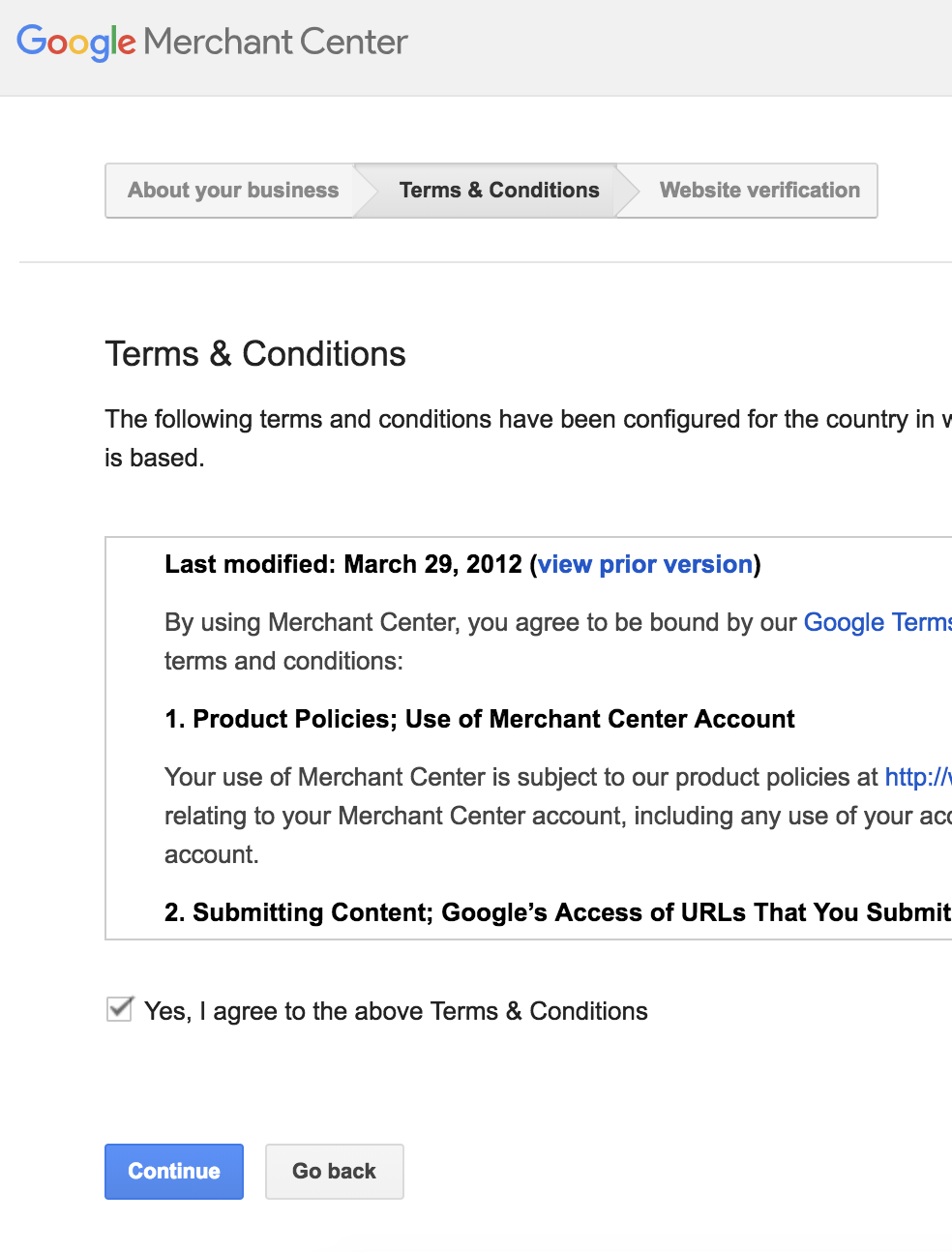
2. On next page , read the terms & conditions. Check the box marked "Yes I agree to the above information.
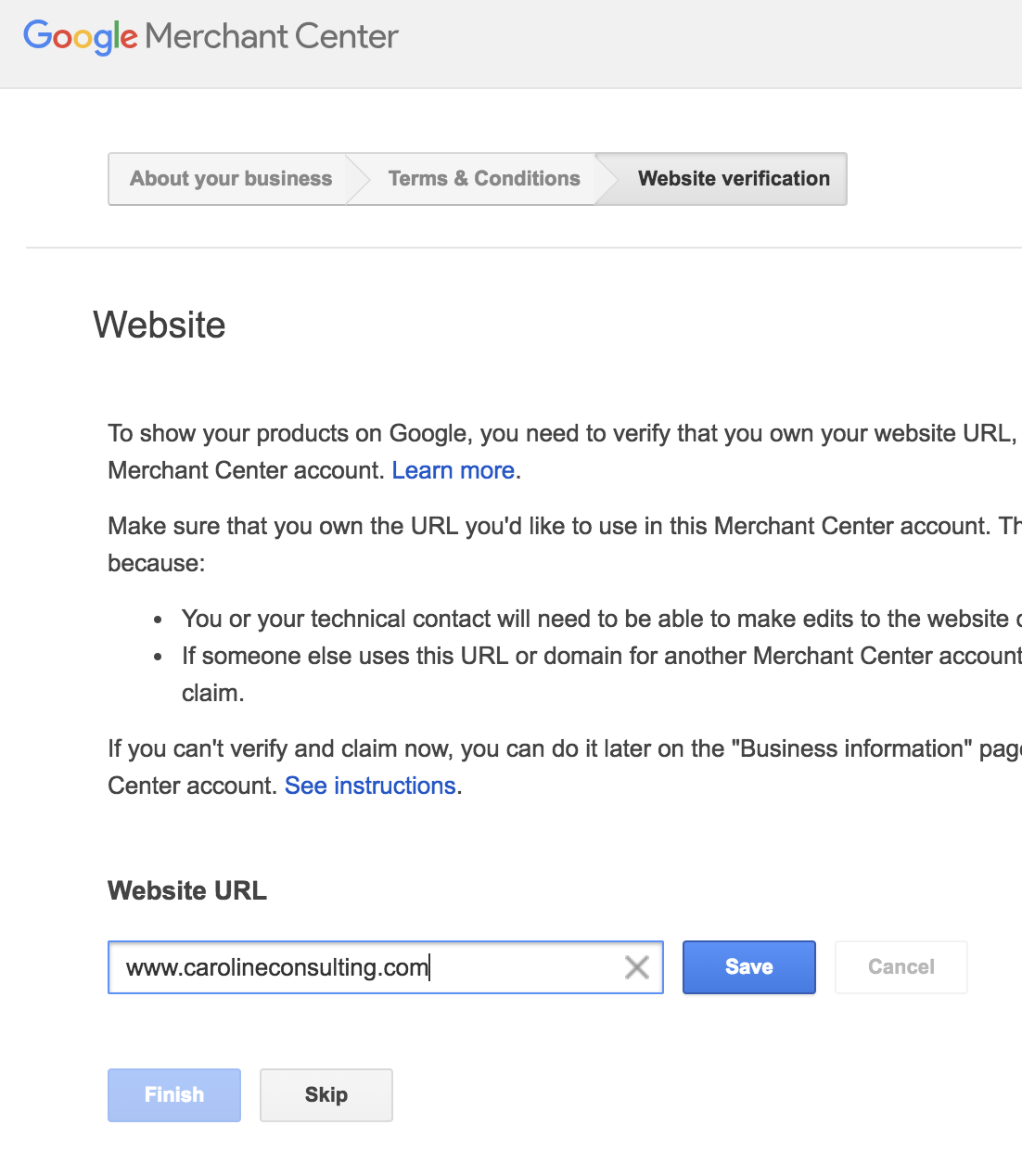
3. Enter your business website then click on "save" & "finish".
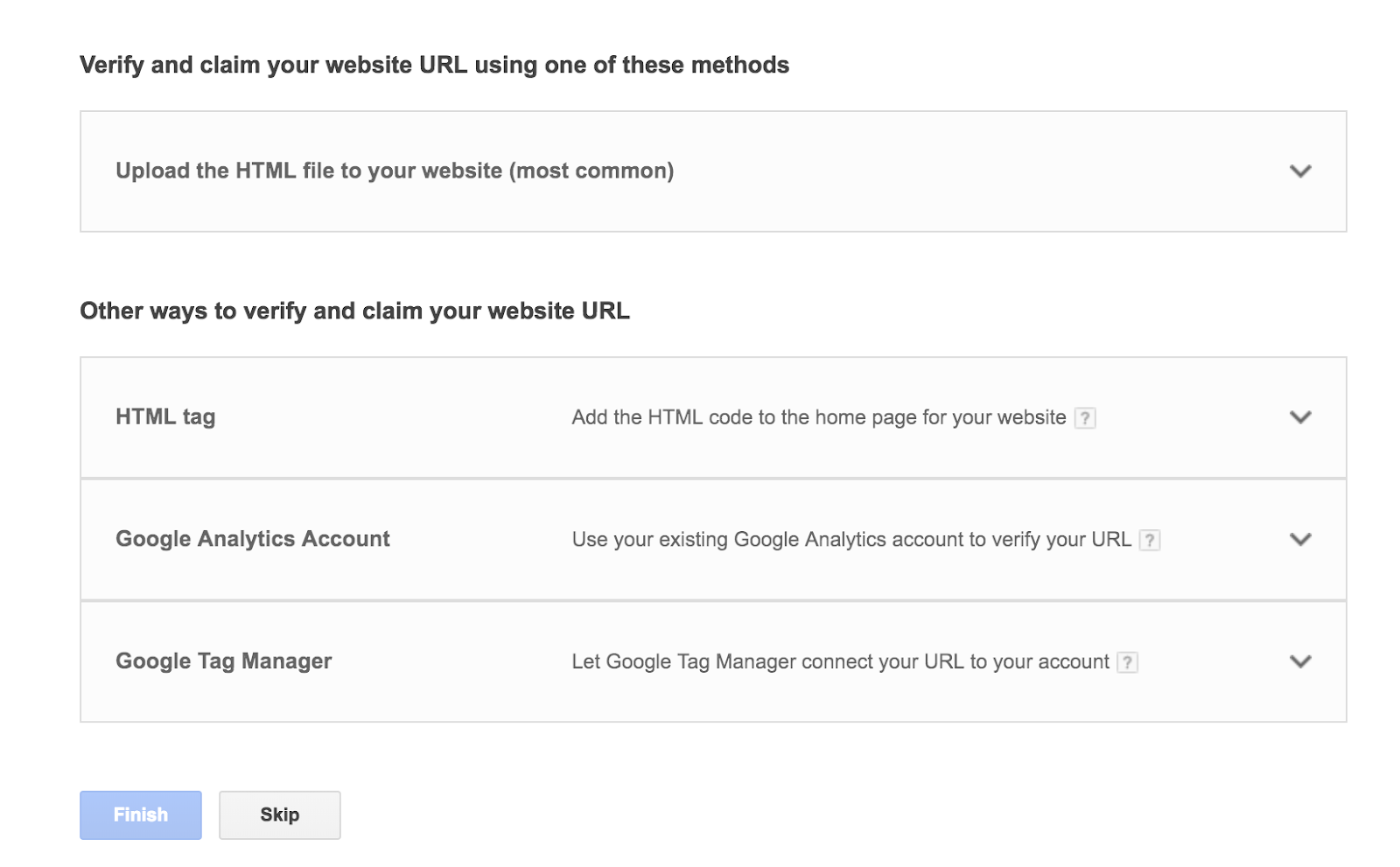
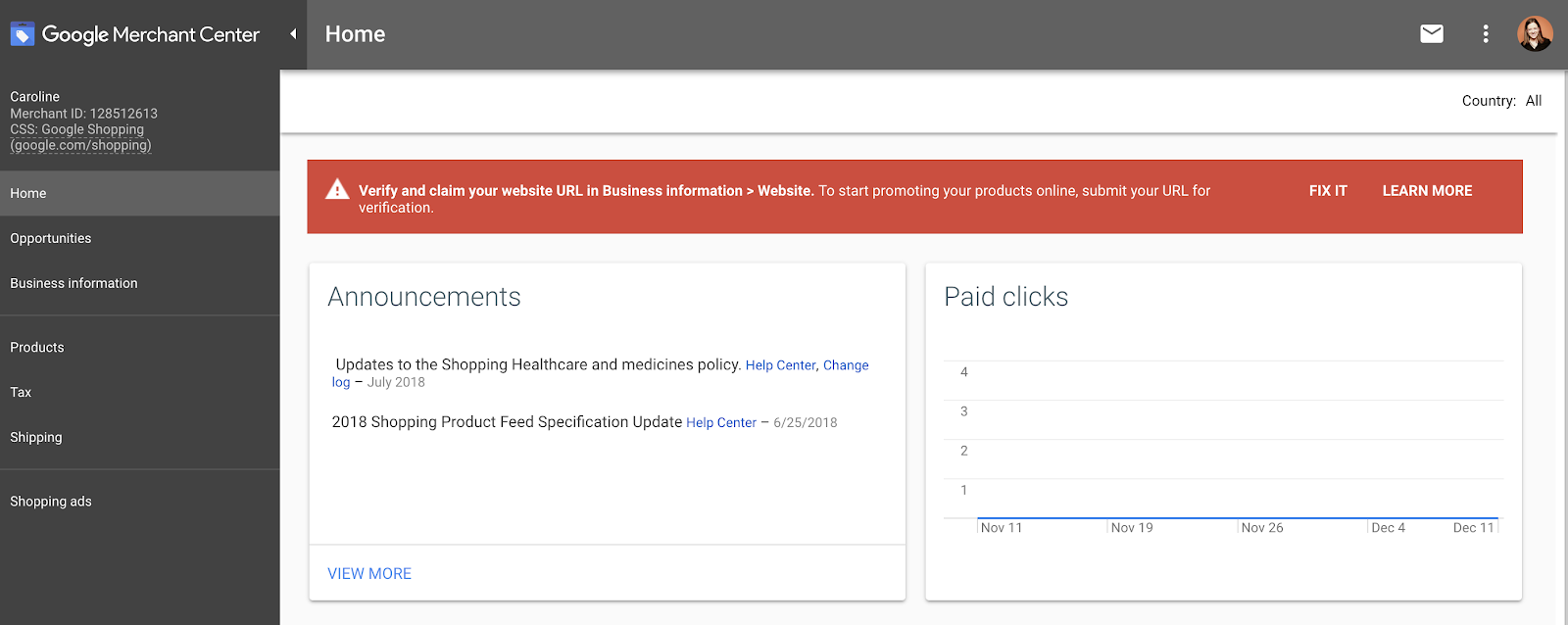
5. Viola! You have setup your Google merchant account.
Don't Forget to share this post.


Comments
Post a Comment